Watch this quick video about setting up Two Factor Authentication or 2FA for your SmartDraw account.
First, log in into My Account.
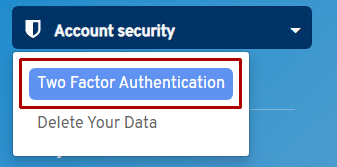
Once logged in, choose Two Factor Authentication under Account Security in the left panel.
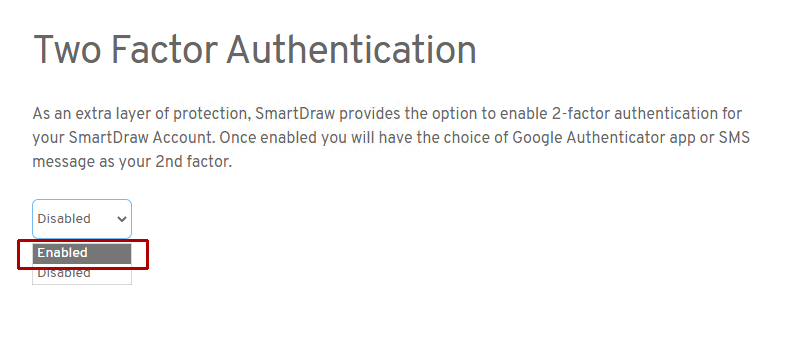
Select Enabled from the drop down on the page.
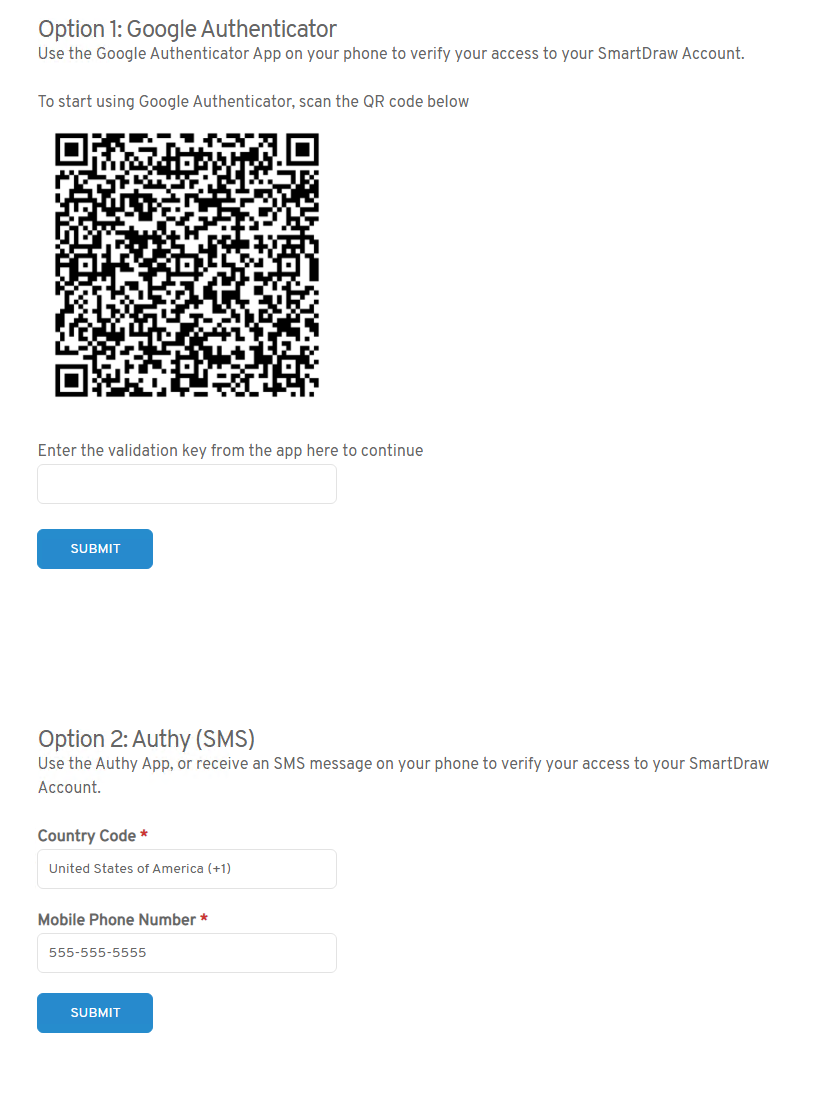
You'll be able to choose between Google Authenticator or SMS.