
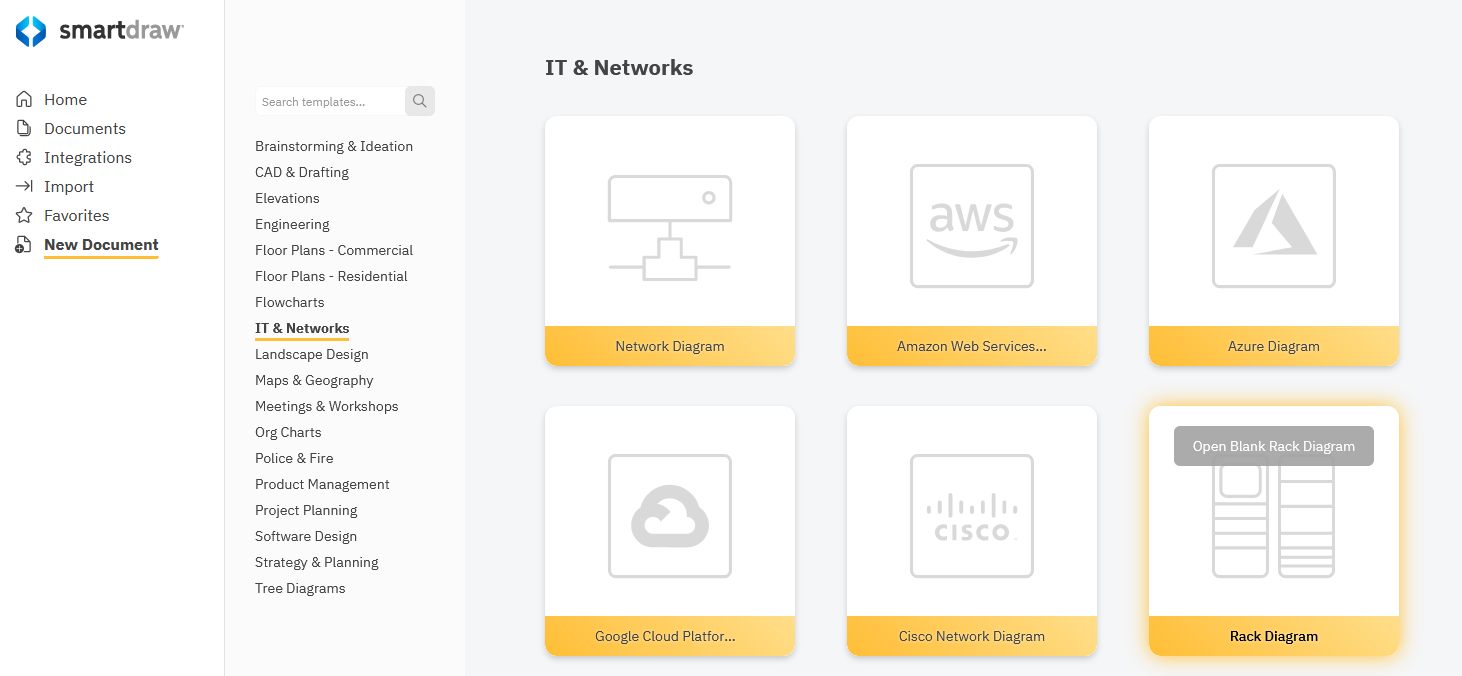
Select the Rack Diagram template from the IT & Networks category under New Document on the dashboard.
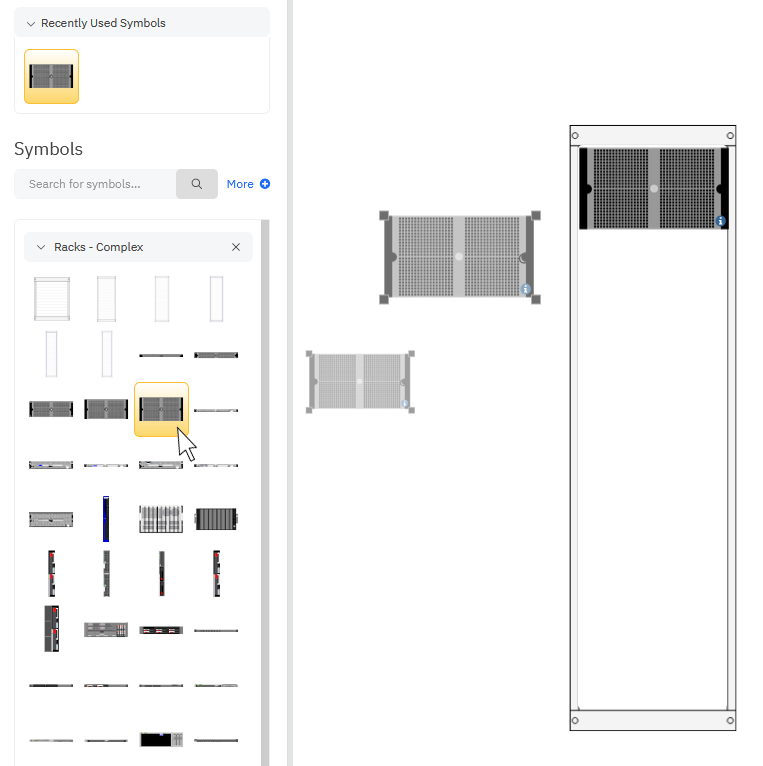
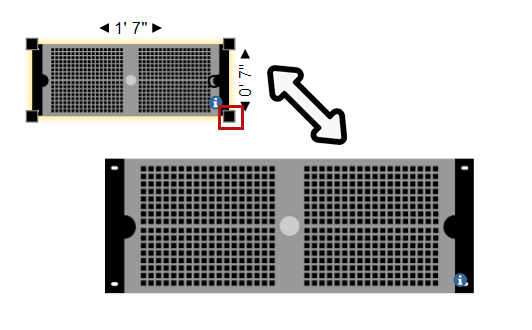
Add components by dragging and dropping them from the docked library in the SmartPanel.
Adding and Editing Data
Any network symbol can have shape data associated with it. Data is basically a set of fields and associated values. These show in the data panel and in a tool tip on the shape itself.
To add data to a shape, you'll use the Data panel of the SmartPanel to the left of your work area. Click on the database icon in the left panel.
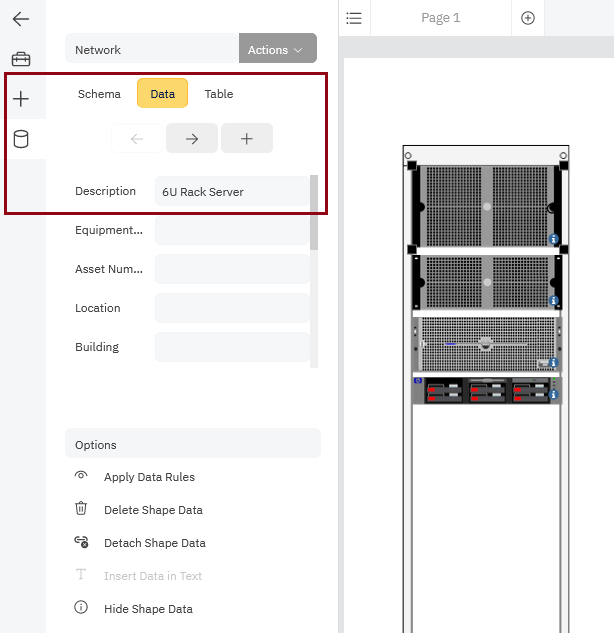
You can edit the placeholder data already attached to these network symbols.