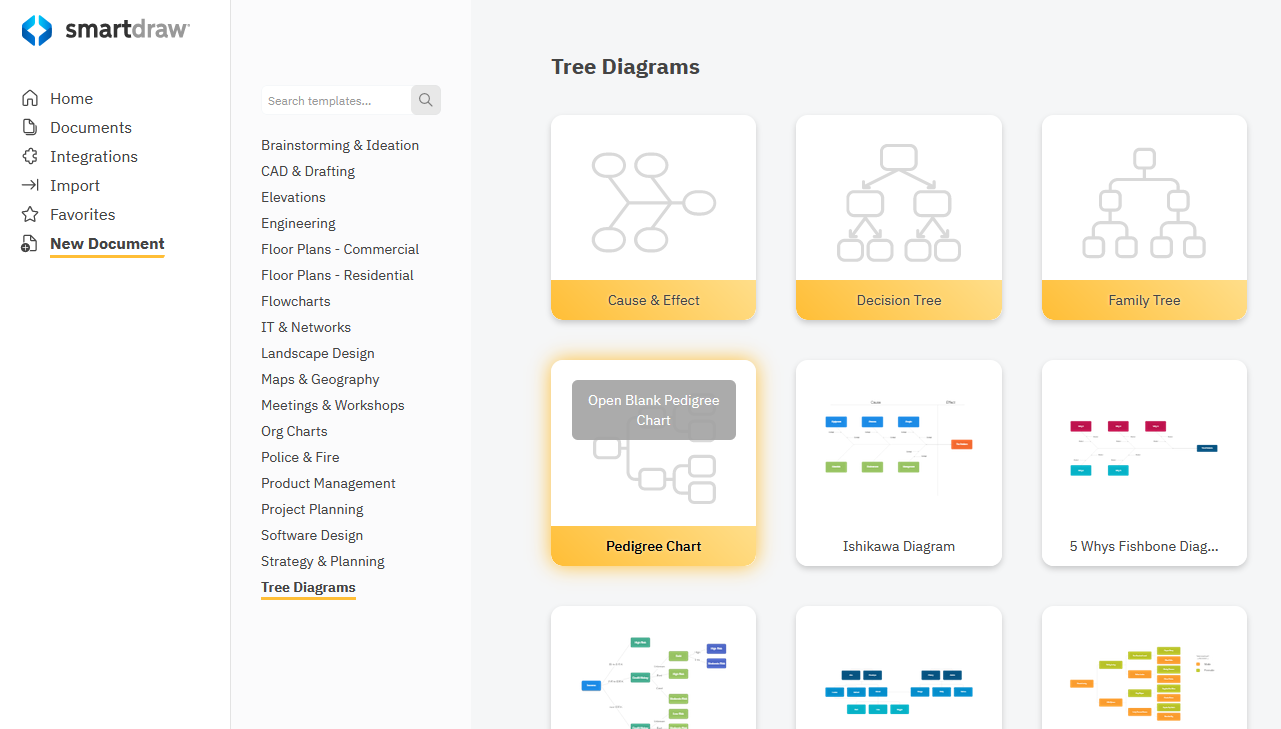
Select the Pedigree Chart template from the Tree Diagrams category under New Document on the dashboard.
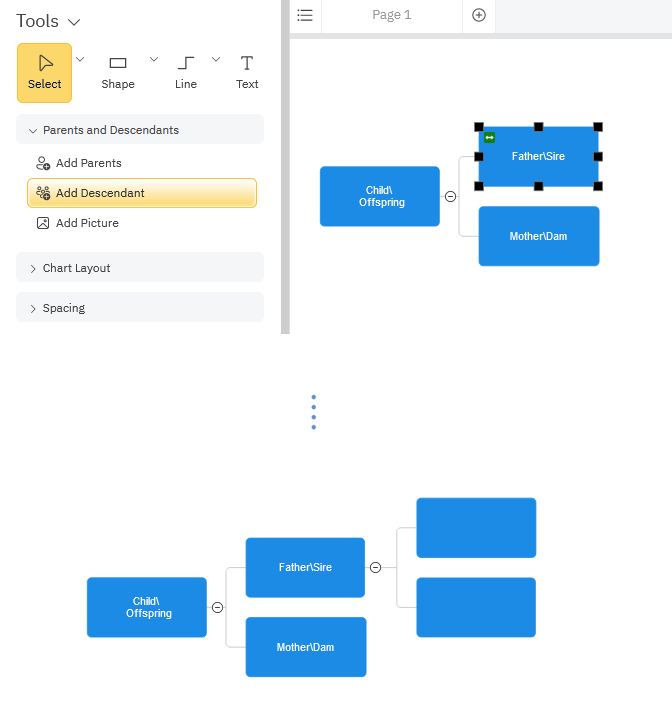
Use the SmartPanel commands to Add Parents, two boxes to the left of the currently selected shape, or Add Descendant, add a box to the right of the currently selected shape.
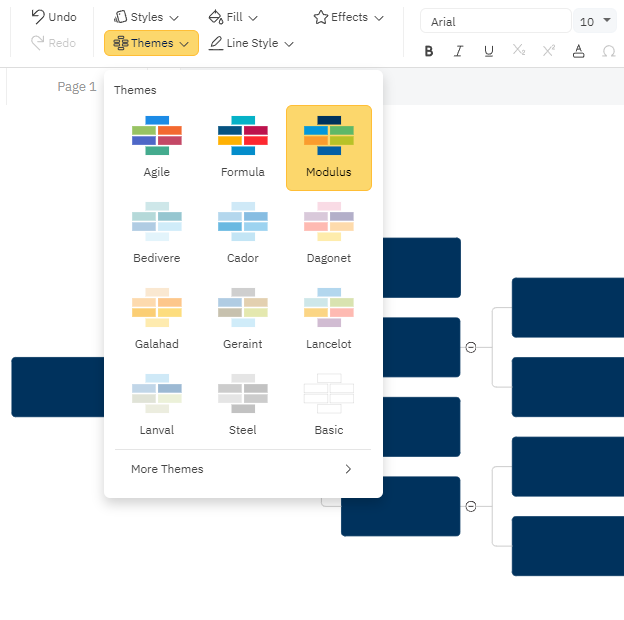
You can change colors of any individual shape using the Fill menu or apply a different theme using the Theme options on the Home tab. Themes will apply a coordinating color scheme to your entire drawing.