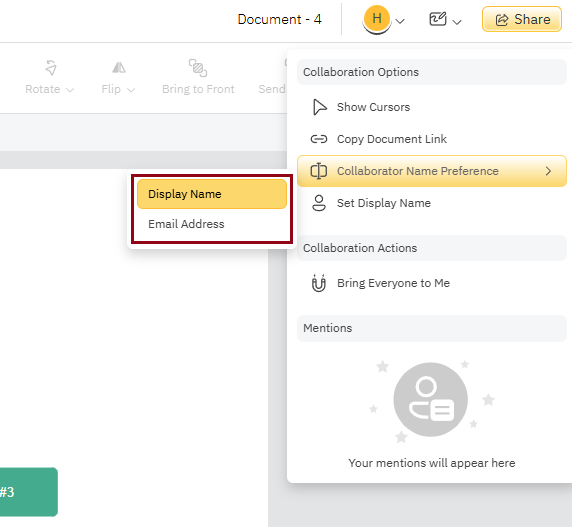
There are a few options to manage how other collaborators appear on your view of the document located in the Collaboration Options Menu under your Badge:
- Hide Cursors
- Collaborator Name Preference
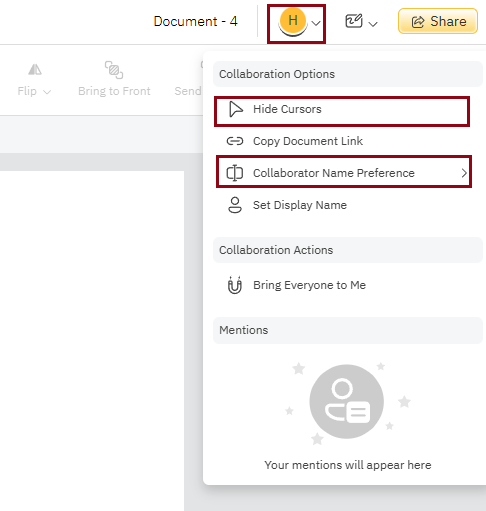
Hide Cursors
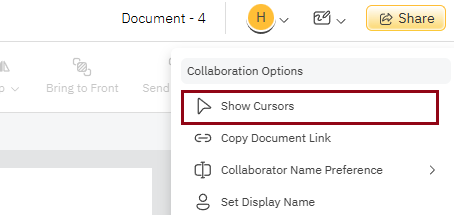
This options allows you to hide other collaborators cursors on your view of the document by clicking Hide Cursors. To make the cursors show again, simply click Show Cursors.
Collaborator Name Preference
Use this option to choose how you want collaborators names to appear on your view of the document, whether it be their Display Name or Email Address.