
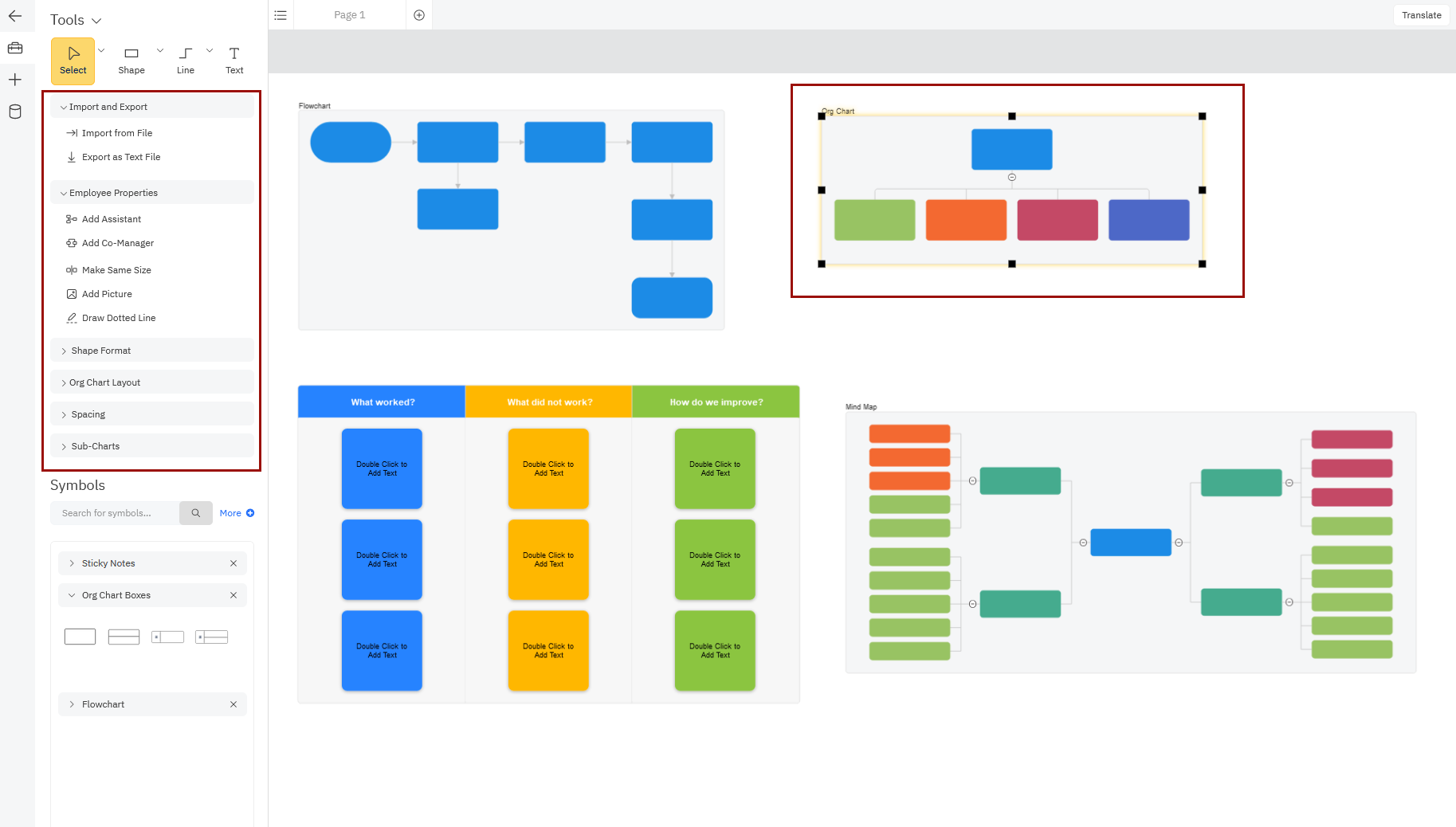
You can add any number of visuals to the workspace to complement your initial diagram or help plan and brainstorm like on a digital whiteboard.
To see the types of visuals you can add to your workspace, click the plus sign in the Left Bar to bring up the options for Insert Content. Here you can Add Diagram Blueprint or Add Whiteboard Blueprint, or Add Data Visualizer.
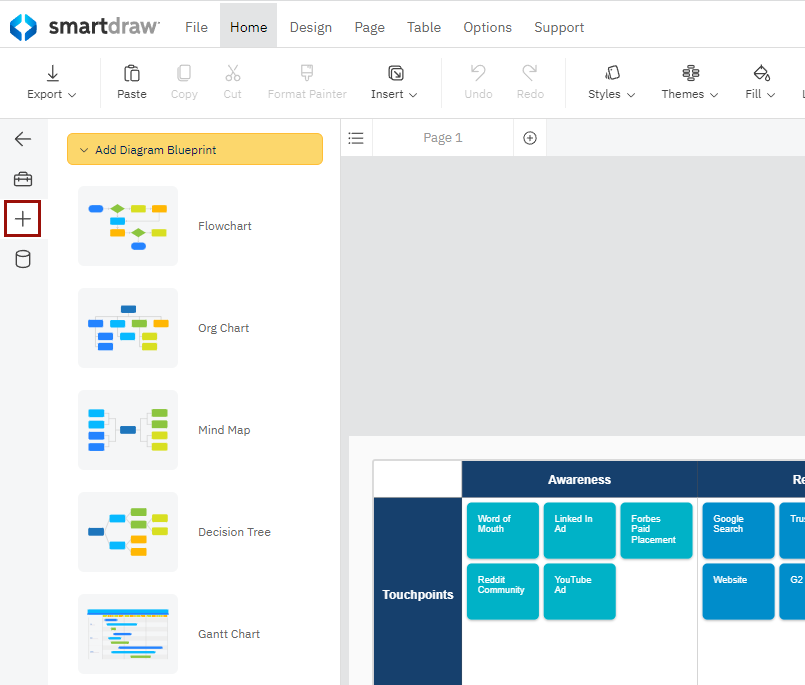
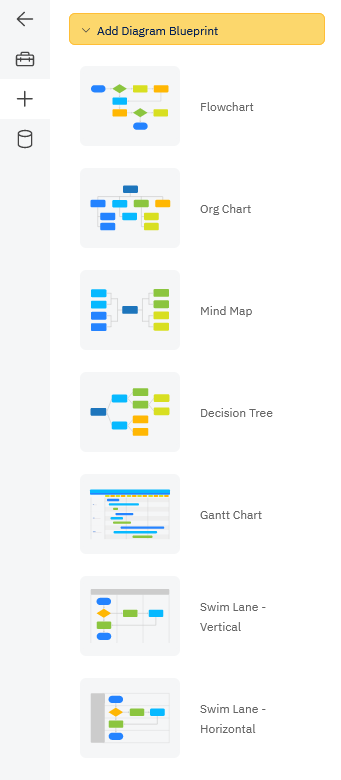
Add a Diagram Blueprint
You can add common diagram types such as:
- Flowcharts
- Org charts
- Mind maps
- Decision trees
- Gantt charts
- and more
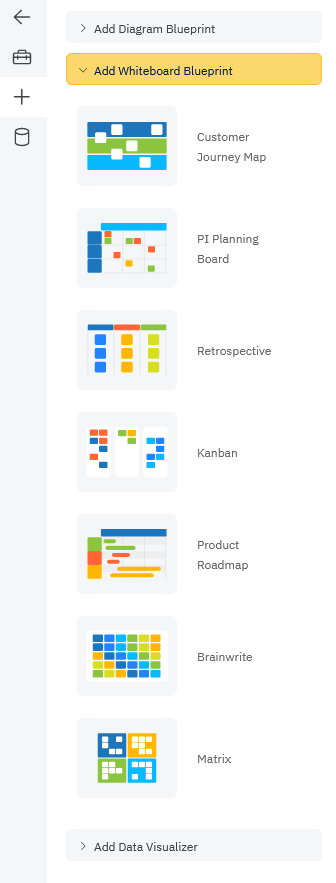
Add a Whiteboard Blueprint
You can also add whiteboarding content like:
- Kanban boards
- Roadmaps
- PI boards
- Retrospectives
- Customer journey maps
- Sticky notes for brainwriting
- and more
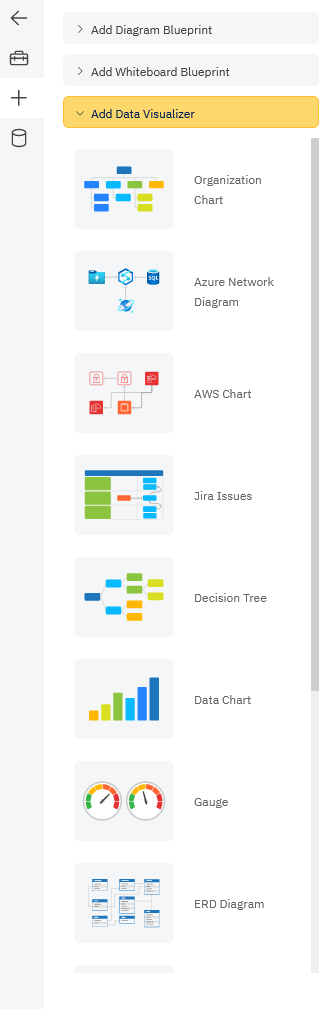
Add a Data Visualizer
You can also use this menu to generate a diagram from data using Data Visualizers:
- Org charts
- Class diagrams
- AWS diagrams
- Azure diagrams
- Jira issues
- Charts
- Gauges
- ER diagrams
Once you have multiple diagrams in a single workspace, clicking on any specific blueprint will change the controls shown in the SmartPanel so you always have the right tools at your fingertips. Learn more about SmartPanel controls.
Note: You can't combine floor plans with other diagram types. Insert Content is not available on floor plan, landscape, and other scaled drawing types.