
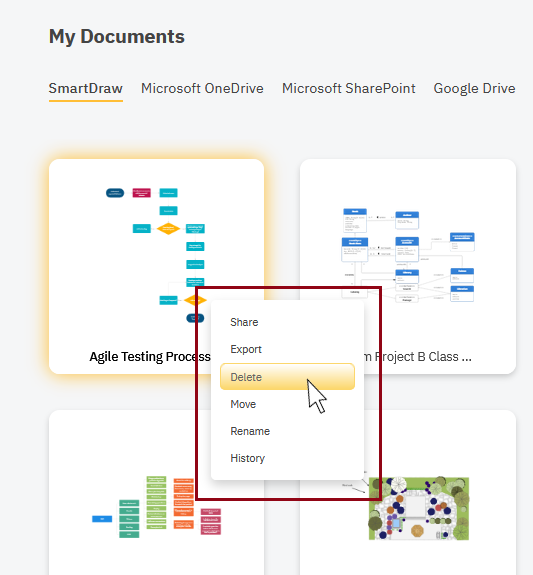
To delete a file from your SmartDraw account, simply right-click on the file from the SmartDraw Dashboard and choose Delete:
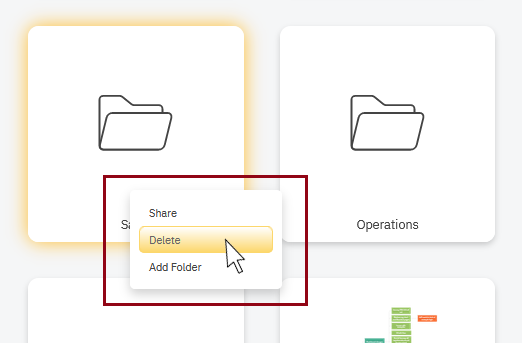
You can right-click on folders and delete them too. Deleting a folder will delete its contents as well.
You can delete multiple files at the same time by holding down Ctrl to select multiple documents and then right-click to Delete.

Restoring Deleted Files
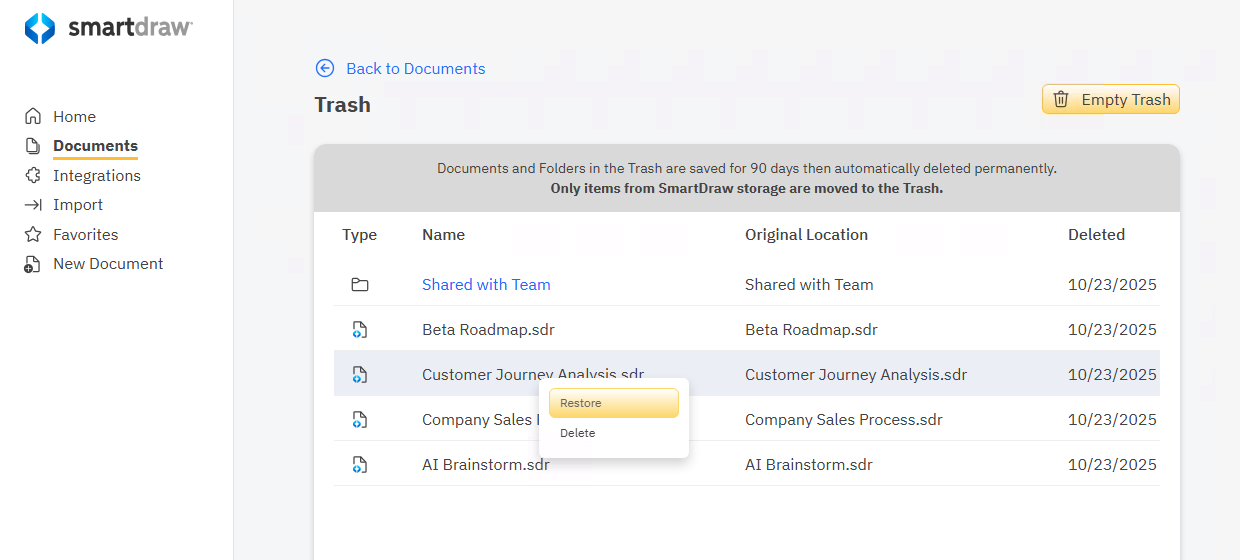
If you accidentally delete a file stored in SmartDraw's Cloud storage, you can restore it from Trash.
Deleted files are stored for 90 days to allow you to recover from accidental deletions.
Click the Trash icon in the upper right corner of the My Documents view
Select a deleted file you want to restore.
Learn more about recovering deleted files and folders here.