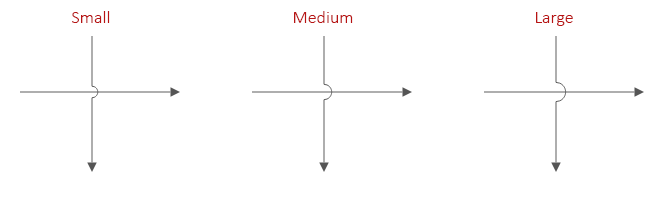
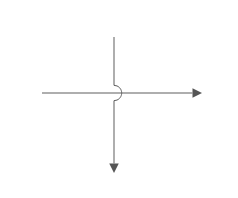
If two lines must cross in an engineering diagram, SmartDraw uses a "bridge" (also known as a "line hop") to show that the lines do not intersect. You can define what this line hop looks like in Line Hops menu accessible from the right-click menu or the Line Style menu on the Home tab.
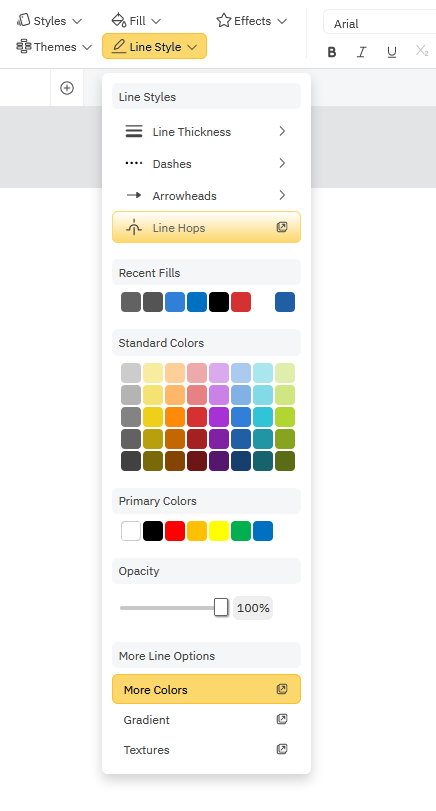
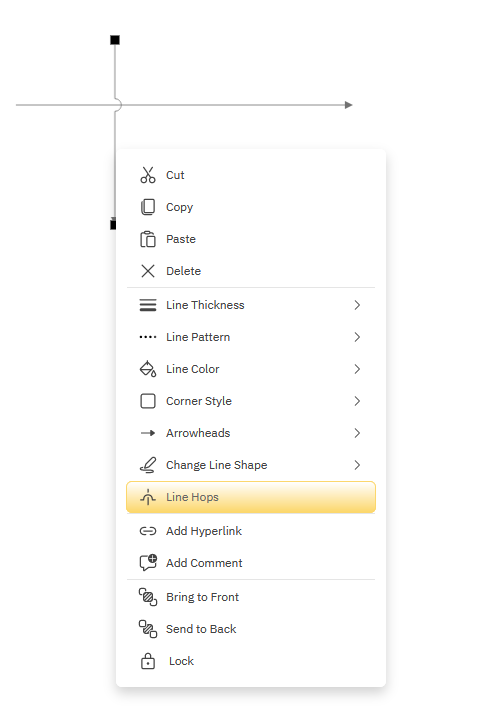
Select a line and choose Line Hops from the right-click menu. Even if only a single line is selected, the line hop setting applies at the document level and all line hops will be changed to whatever you select.
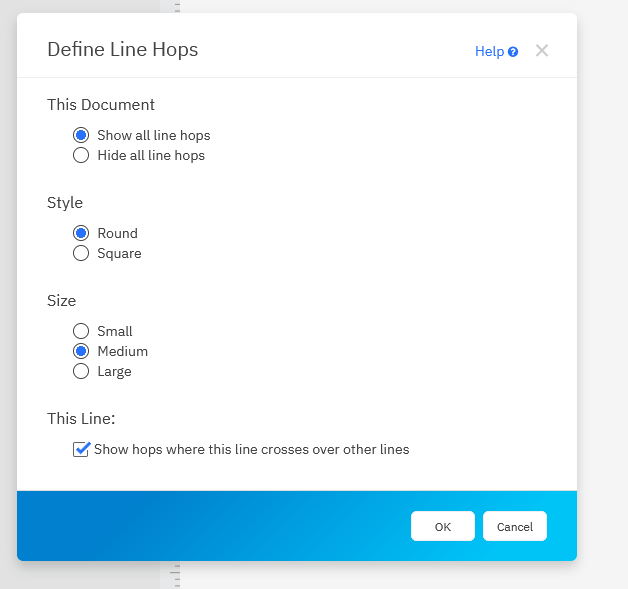
- You can show or hide line hops
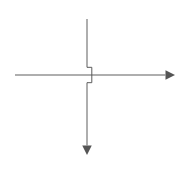
- You can change the style of line hops from round to square.
- You can change the size of the line hop.
- You can also turn line hops on or off just for a selected line using the "This Line" section.
The default line hop:
Set the style of the line hop to square:
Set the size of the line hop from small, medium, to large: