
The copy and paste commands are found on the Home tab.
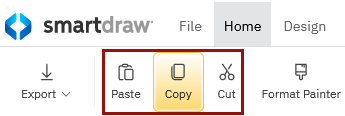
Copy an object from your workspace by selecting the object, then clicking Copy (CTRL + C). Similarly, you can cut an item from your workspace by selecting the object then clicking Cut (CTRL + X).
To paste an item directly into your workspace, click anywhere in the white space of your workspace, then click Paste (CTRL + V). If you would rather paste the copied item into an object, select the object first, then click Paste. You can also use the keyboard shortcut.