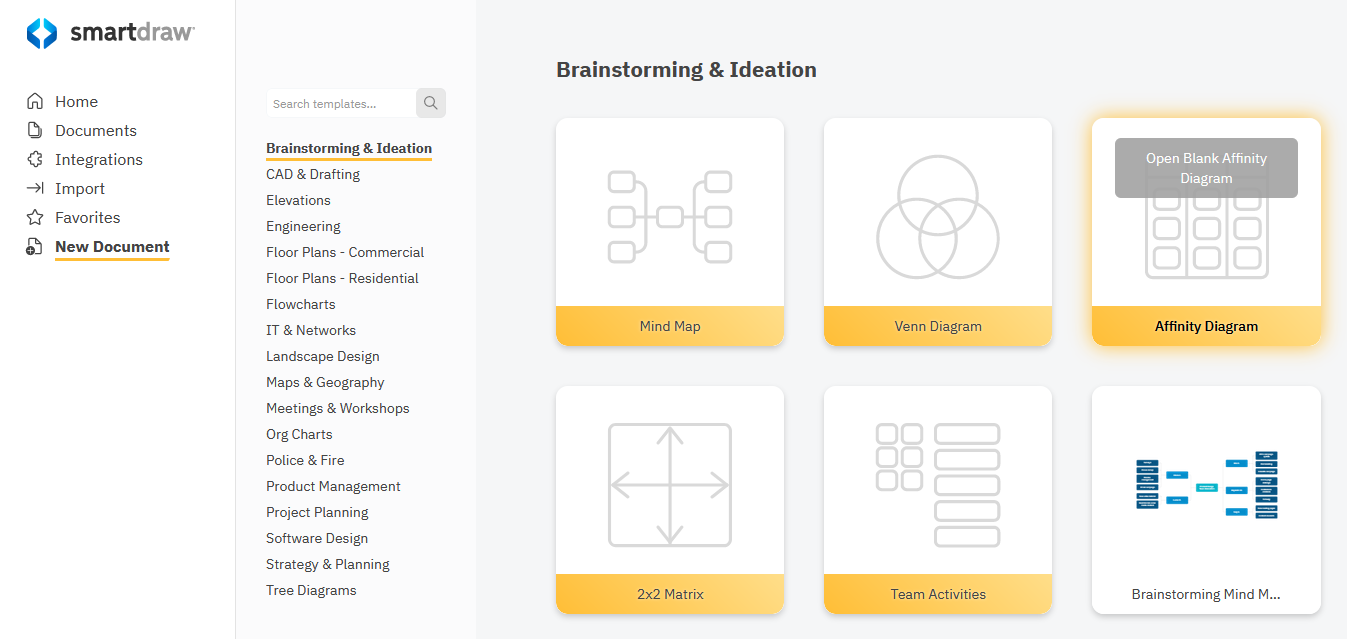
Select Affinity Diagram from the Brainstorming & Ideation category under New Document on the dashboard.
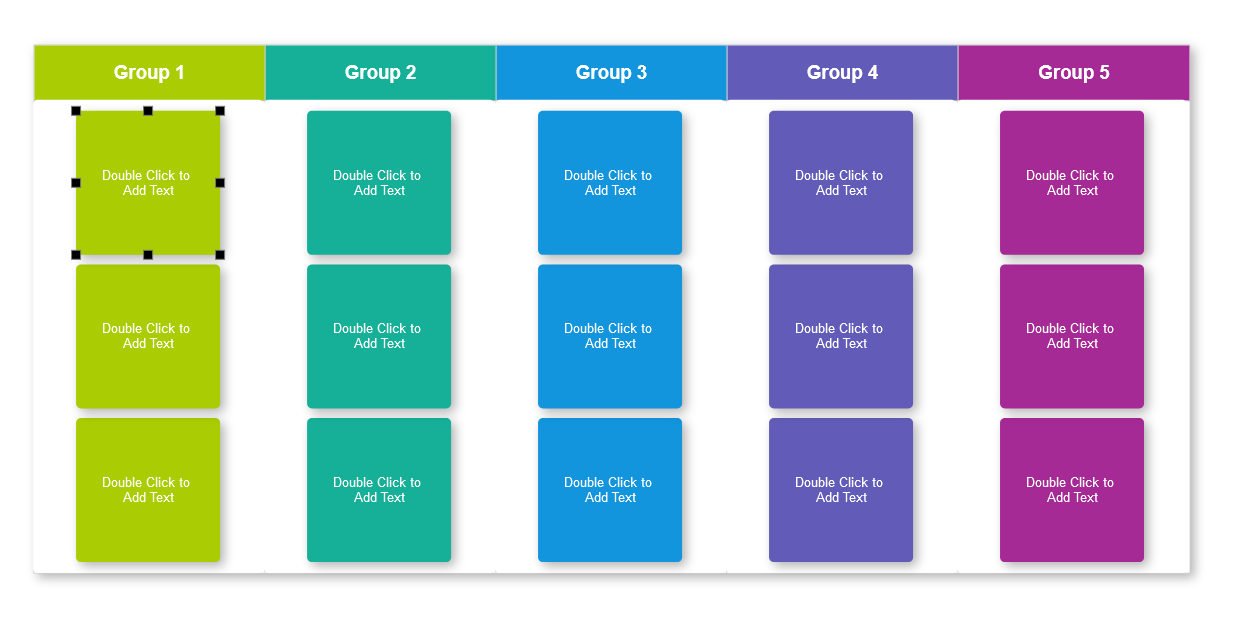
Double-click on any card to add your text.
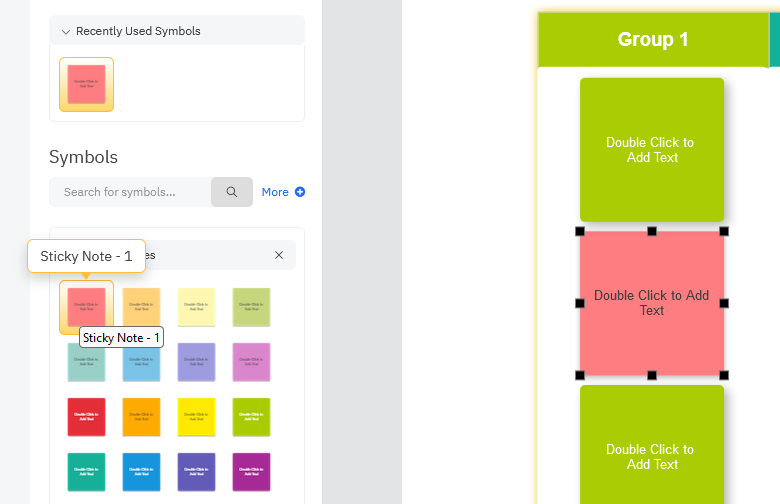
Drag and drop new sticky notes from the docked library and the columns will adjust to make room for new cards.
To delete a card, click on it and hit the Delete key.
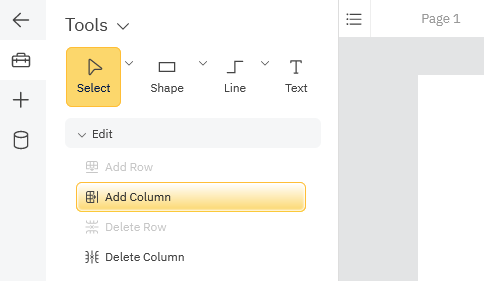
Add columns and rows to the diagram by choosing Add Column or Add Row from the Edit section of the SmartPanel. Similarly, delete columns and rows by selecting Delete Column or Delete Row.